





Original price was: $35.99.$28.99Current price is: $28.99.
This Add-On Pack contains:
Please check your device model before purchasing.
| iFresh Fan Series |
MarsPro Add-on Pack |
|---|
*Important Note: To enable App control features, the additional purchase of the 2026 iFresh MarsPro Add-On Pack (sold separately) is required. Click here to purchase>>
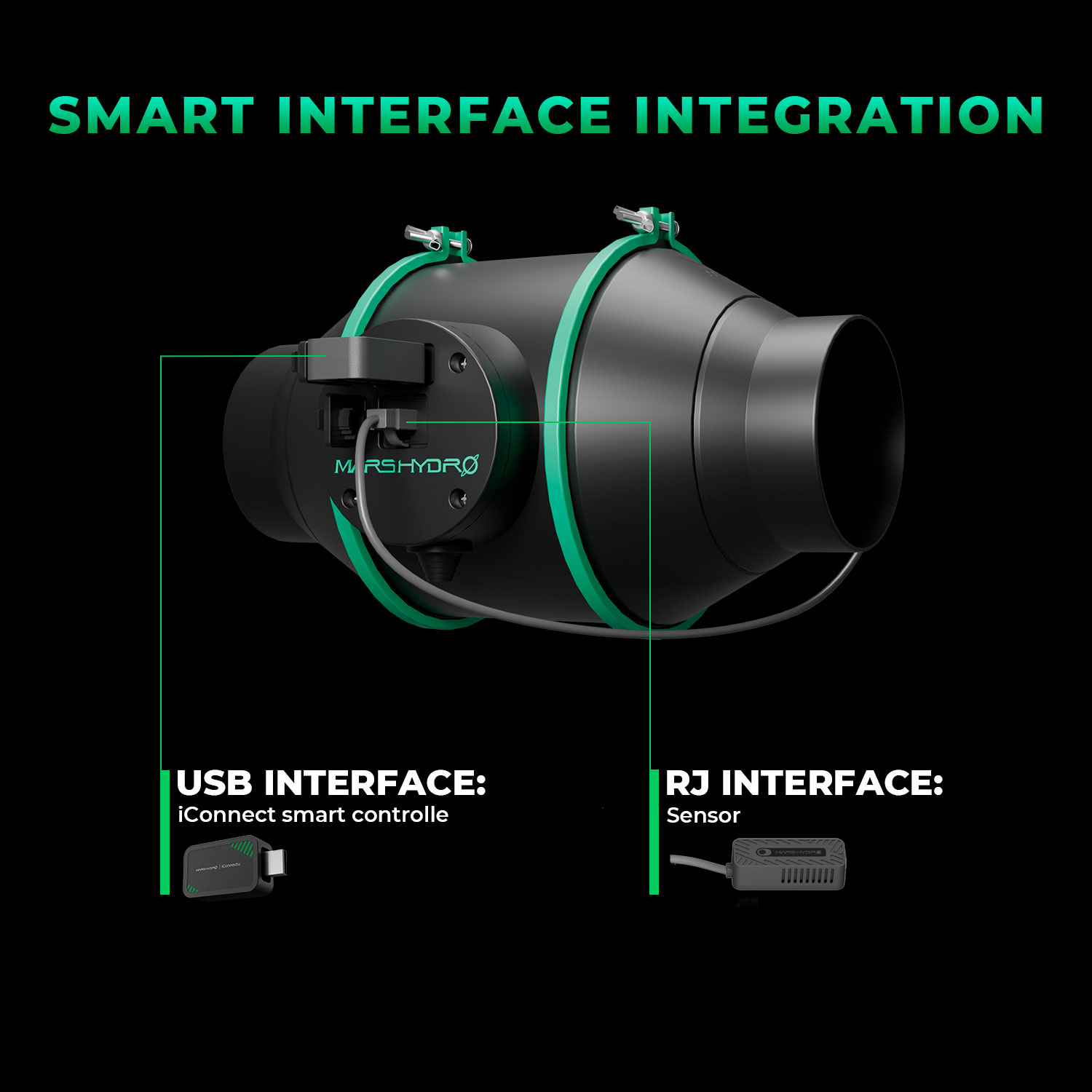
The 2026 Mars Hydro 6" iFresh Inline Duct Fan delivers 402CFM airflow capacity, featuring an expansion port that enables app-based climate control when paired with the iFresh MarsPro Add-On Pack. This integration creates a fully automated ventilation system that intelligently monitors and optimizes your grow space environmental data.*Important Note: To enable App control features, the additional purchase of the 2026 iFresh MarsPro Add-On Pack (sold separately) is required. Click here to purchase>>
The 2026 Mars Hydro 4" iFresh Inline Duct Fan delivers 205CFM airflow capacity, featuring an expansion port that enables app-based climate control when paired with the iFresh MarsPro Add-On Pack. This integration creates a fully automated ventilation system that intelligently monitors and optimizes your grow space environmental data. 
ASHLEY –
Anonymous –
Great for automating operation.